
MIAMI Z
Survive the dead on the real streets of South Beach. Go in, take what you can, and get out before the last boat leaves.
South Beach is quarantined.
Ocean Drive, Collins Avenue, Lummus Park: the streets and buildings come from the real map of Miami Beach, and the dead have taken them.
The real South Beach
Built from OpenStreetMap: the real streets, blocks and park, palm-lined and boarded up. Walk into dozens of the buildings.
Survival & Raid
Hold out against a horde that keeps coming, or raid the quarantine zone for loot and make it to a boat or the helicopter.
20 guns
From the 1911 and the Desert Eagle to the Tommy gun, SPAS-12 and Barrett .50. First or third person, with real reloads.
Runners, fat ones & stalkers
Shamblers are the least of it. Runners sprint, the fat ones soak up a magazine, and stalkers freeze when you look at them.
Screenshots
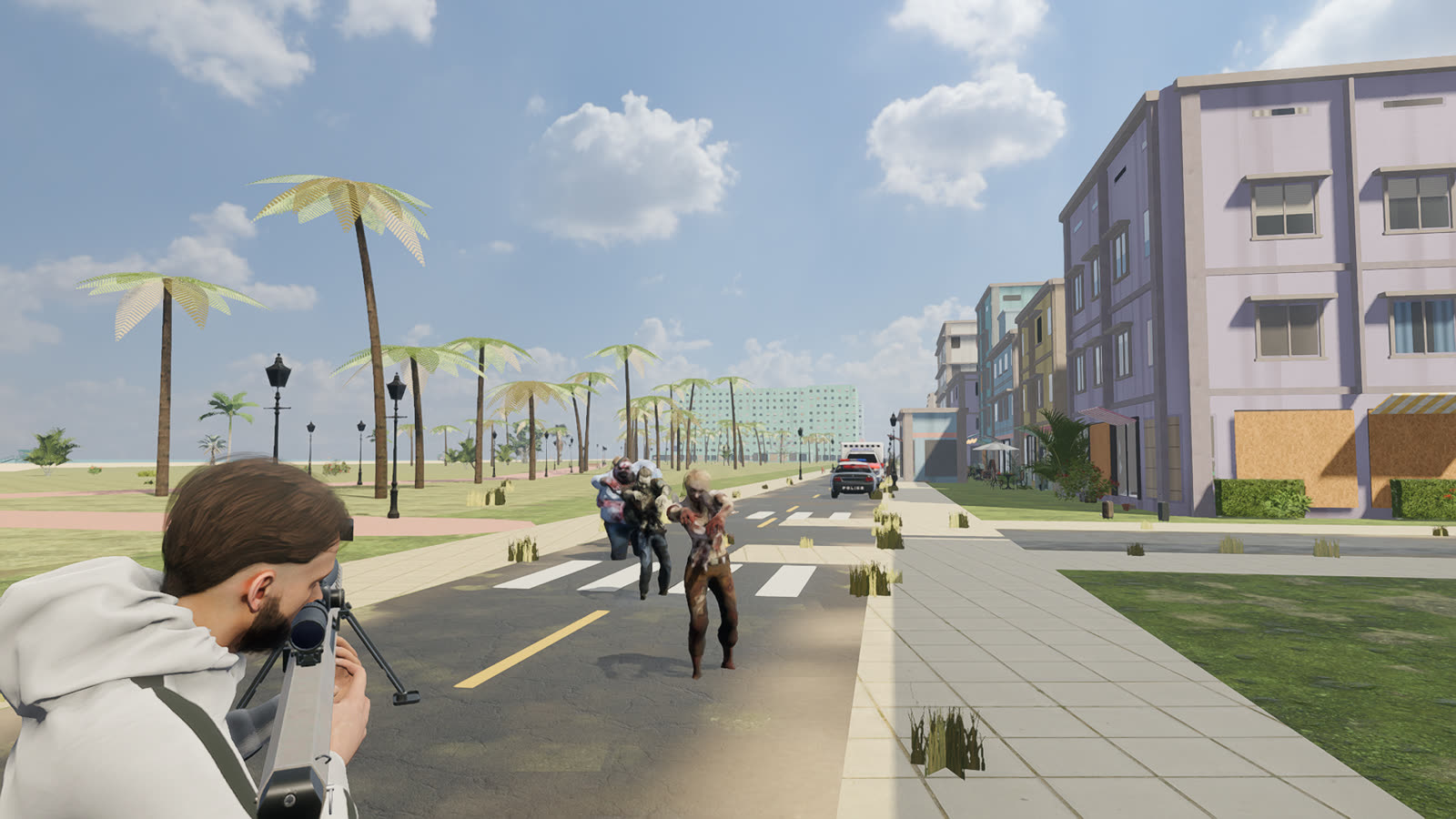
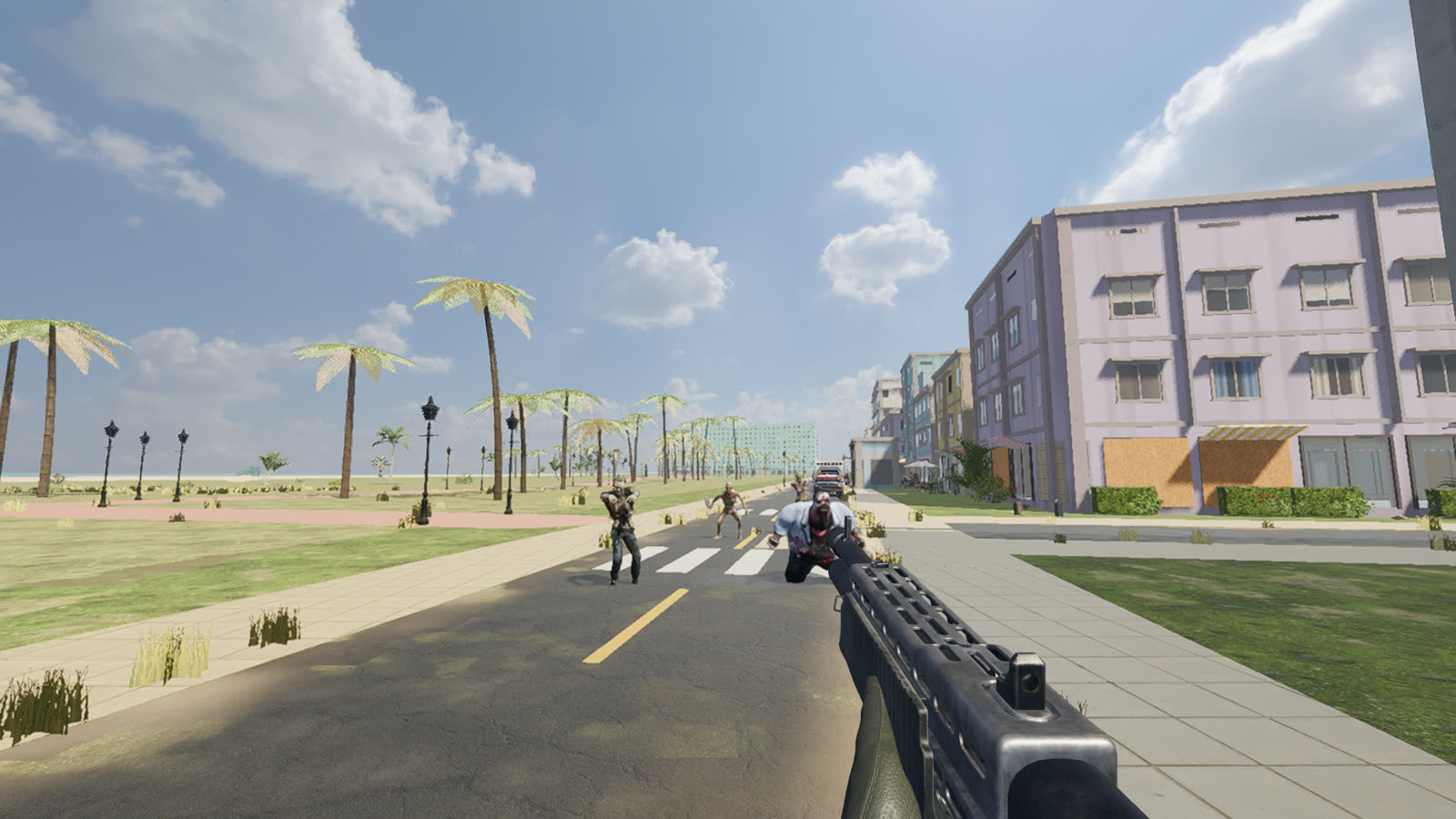
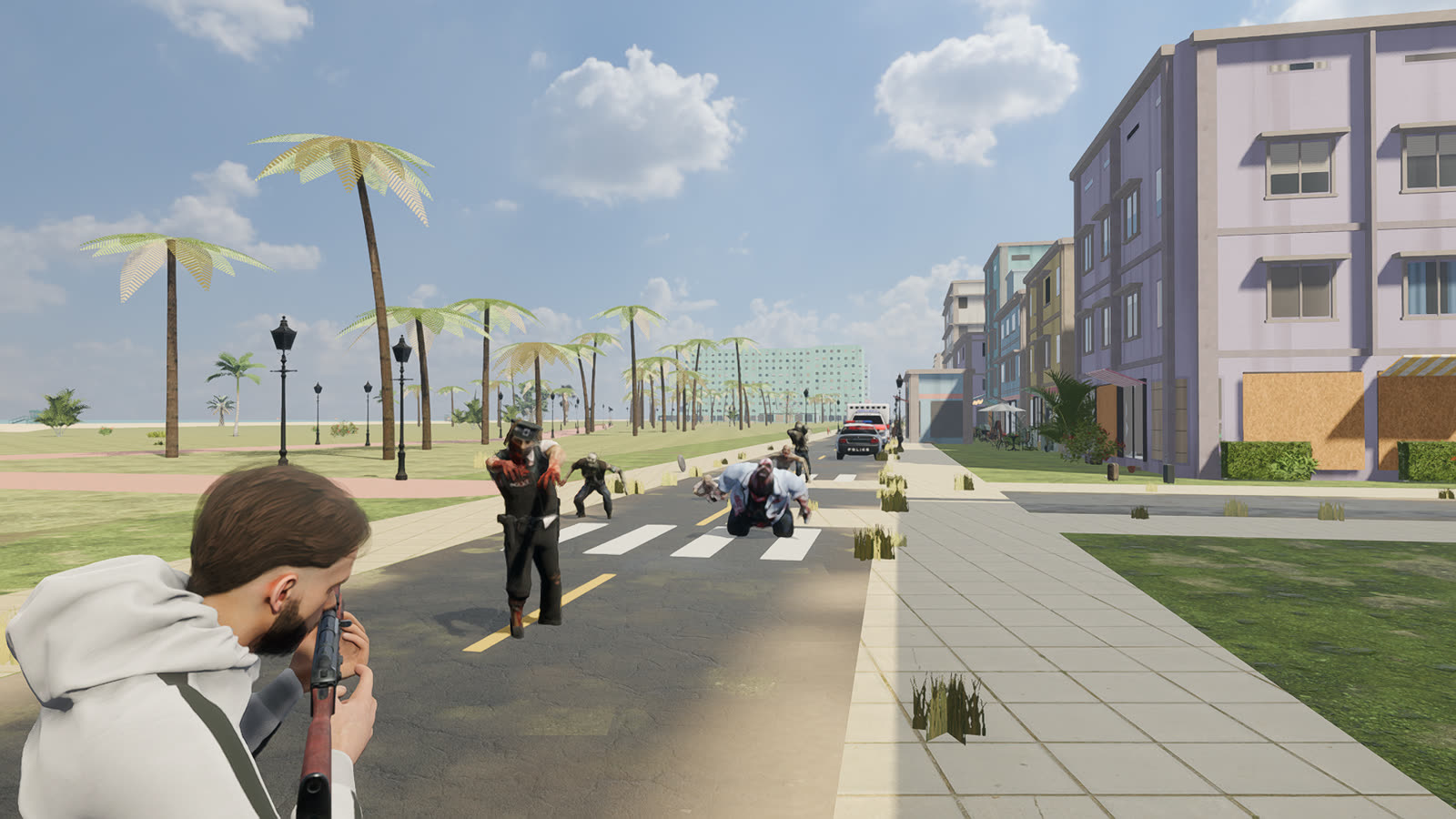
How to install
The download is big (5.4 GB), so start it on a good connection. If it stops partway, your browser can usually resume it.
Windows
- Download
MiamiZ-Windows.zip. - Right-click it, choose Extract All, then open the Miami Z folder.
- Double-click
MiamiZ.exe. If Windows says "Windows protected your PC", click More info, then Run anyway (the game isn't signed yet).
Keep MiamiZ.exe and MiamiZ.pck in the same folder.
Ubuntu
- Download
miami-z_0.3.1_amd64.deb. - Double-click it. The App Center opens: press Install and type your password.
- Press the Super (Windows) key, type Miami Z, and click the icon.
Or in a terminal, in the download folder: sudo apt install ./miami-z_0.3.1_amd64.deb. To remove it: sudo apt remove miami-z
Controls
Plug in an Xbox controller before you start and the game switches to it the moment you touch it. Look speed for both is in Options.
Keyboard & mouse
| Key | Does |
|---|---|
| W A S D · Shift | Move · run |
| Mouse · Left click | Look · shoot |
| Right click | Aim down the sights |
| Space · Alt + direction | Jump / climb · roll |
| R · E | Reload · search / use |
| 1–9 or wheel | Switch guns |
| G · T · H | Grenade · smoke · heal |
| V · Q | First / third person · shoulder |
| M · Tab · Esc | Map · backpack · pause |
| F1 | Graphics quality (press if it's choppy) |
Xbox controller
| Button | Does |
|---|---|
| Left stick · click it | Move · run |
| Right stick · click it | Look · switch shoulder |
| RT · LT | Shoot · aim |
| A · B | Jump / climb · roll |
| X | Reload, or search / use |
| Y · D-pad left | Next gun · last gun |
| RB · LB | Grenade · smoke |
| D-pad up · down · right | First / third person · heal · backpack |
| View · Menu | Map · pause |
| On menus | D-pad or stick to move, A to press, B back |
What you need
A whole neighbourhood is a lot to draw. A graphics card helps; on a laptop, plug it in and use the F1 low setting if it's choppy.